Initial viewing platform for advanced analysis needs
Summary
Supports study review, side-by-side comparison, series arrangement as well as 2D and 3D manipulation of MR, CT, PET, NM, US, DX, CR, RF and XA images.
Benefits
- Supports multiple image rendering modes and geometries as well as fusion capabilities of two series including registration options.
- Offers a set of tools for basic measurements, stitching multi-station data and generation of new DICOM series/objects for communication purposes.
- Supports the generation of MR DICOM series in the form of a dedicated MPR series derived from the 3D T1 acquisition, fused with objects like fiber, SPM (fMRI) and/or segmented structure.
- A unique patient-centric workflow facilitates communication between the Advanced Visualization Workspace and Philips Image Guided-Therapy systems, to automatically launch relevant advanced analysis data before intervention.
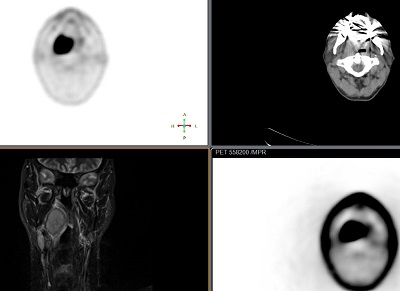
View US, MR, CT, NM images side by side